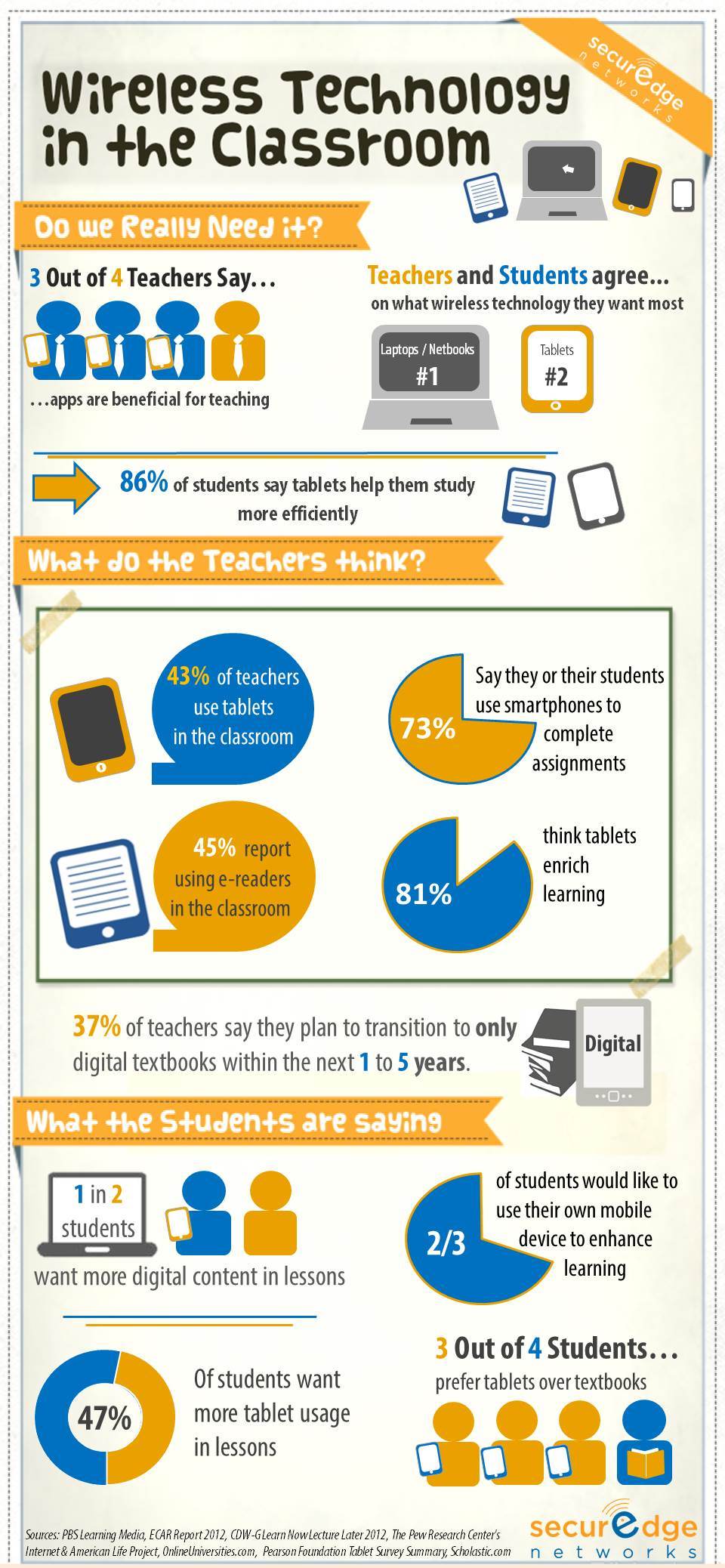
I was taught the first rule of a presentation is to understand who your audience is, the idea was to deliver a message to the audience based upon what they need to hear and their level of understanding. In today’s classroom learning environment, I think we should consider who the audience is, but just as important, HOW to best deliver the learning materials.
Here are 7 technology tools that should be standard technology in the classroom:
1) Secure Wireless Networks - Moodle, Blackboard, Wiki and other learning applications are primarily Web based learning tools. Students should be able to access the learning applications from any type of mobile device (iPods, iPads, tablet PC’s, etc.). Web content filtering and application level control should be built in. The system should support student or teacher owned mobile devices as well as school owned assets.
2) Video Conferencing/Telepresence- taking students to NASA or the Bronx ZOO used to be challenging, not with a video conferencing system. Did you know that there are more than 1,000 channels or organizations that will allow you to connect to them via video conference? Get a group of middle school students on a video call with an astronaut and you can hear a pin drop in the room when the astronaut speaks.
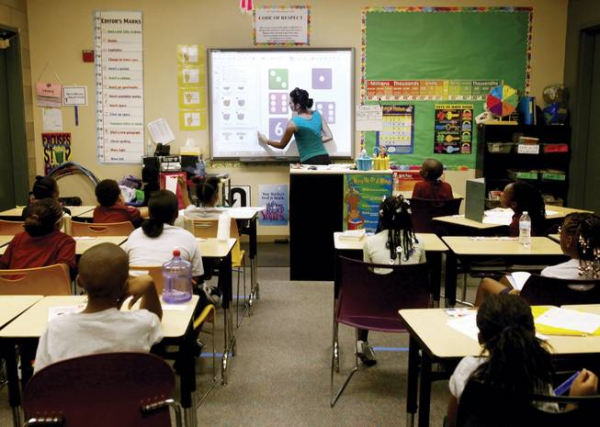
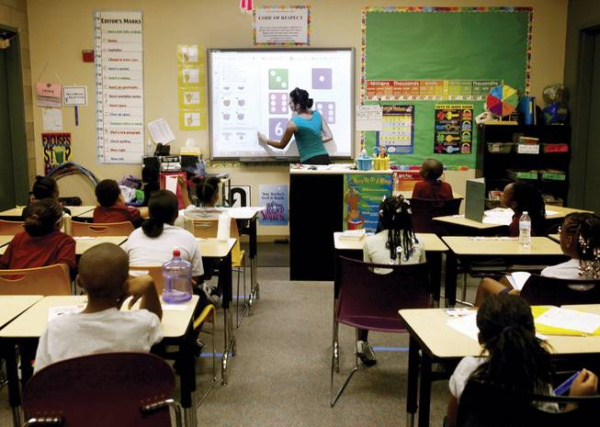
3) Interactive Smart Boards- smart boards have web access built in and many run interactive software that enhances the materials in each class. Save the content and you can email the learning session with notes to the students or make them available online.
4) Video Streaming/ Web Conferencing- My 13 year old nephew watches more YouTube than cable TV. Creating and uploading videos to YouTube is very simple and can be done with an inexpensive Webcam. Add simple web conferencing software and you can tie in a remote teaching source as well. I put these two together because they are most often done with related tools: a webcam and online conferencing software.
5) Multimedia Sound and Video- audio visual installation in the classroom should include the ability to project video and listen to audio from multiple sources (PC, Smart Board, Document Camera, etc.).
6) Document Camera Scanner- also known as a “Visual Presenter” this is simply a camera that has the ability to project whatever is on a desk (a document or science fair project for example) to video system. We recommend using a network based document camera that works with a PC and software vs. the traditional stand-alone cameras with limited classroom integration.
7) Lecture Capture Software- “Distance Learning” and online courses is probably the fasted growing segment of the education sector. But the concepts can be used even by traditional schools. Students can only retain a limited amount of information inside the classroom no matter how good the instructor is. Why not make the content available online for the students to review and study from home?
These tools make learning interactive and more closely match what the students are used to away from school. In my opinion, they should be on every educational technology road map.